
lks saske

PPSSPP Mod: Adding PS5 Button Icons to PSP Games

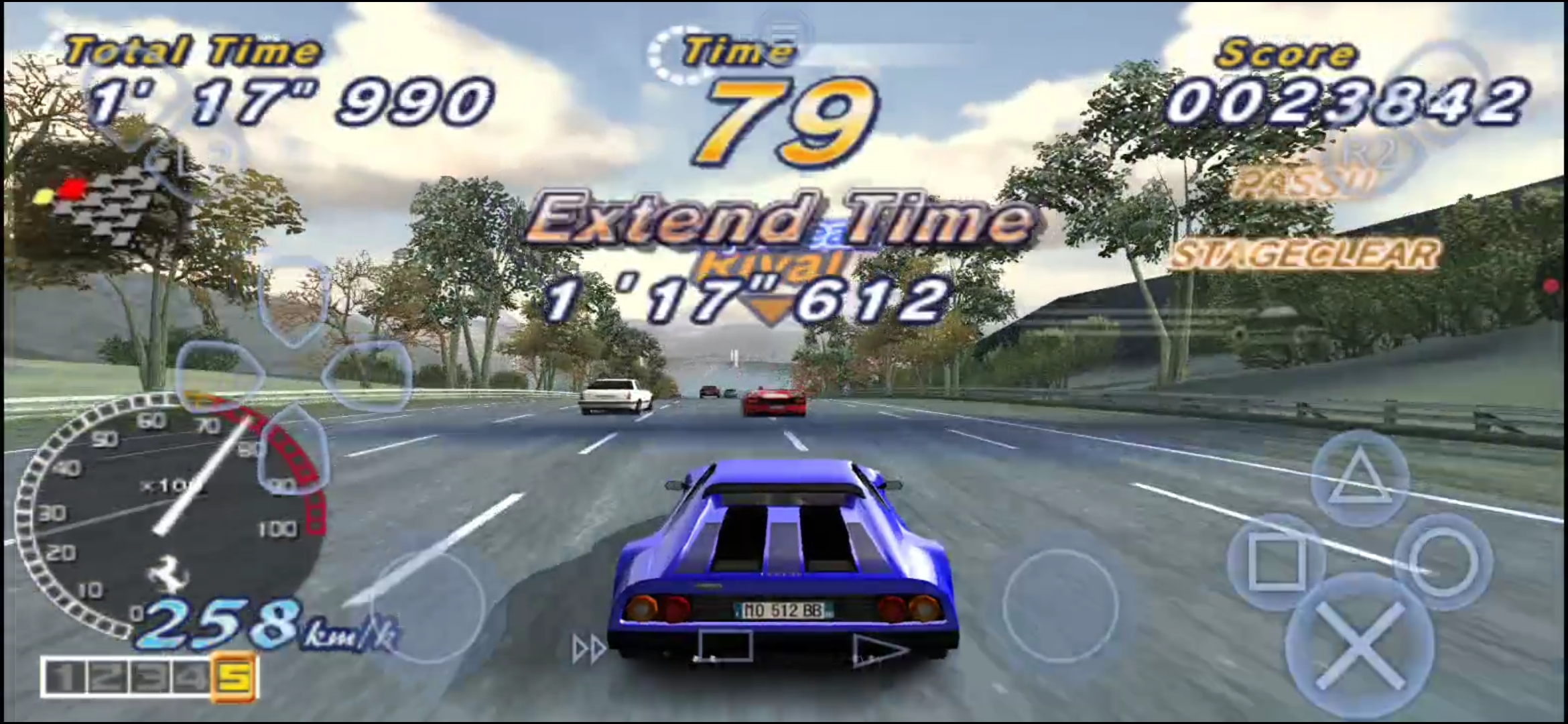
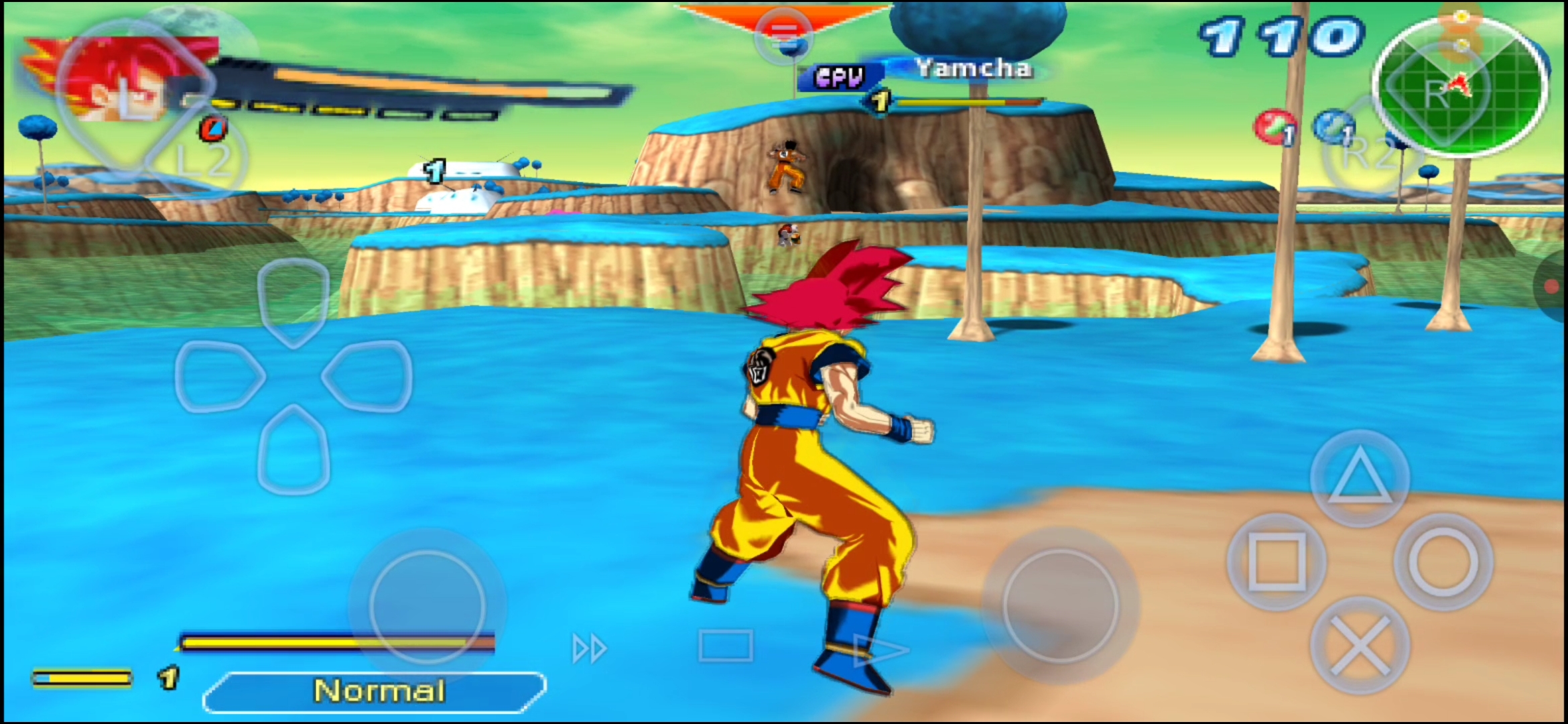
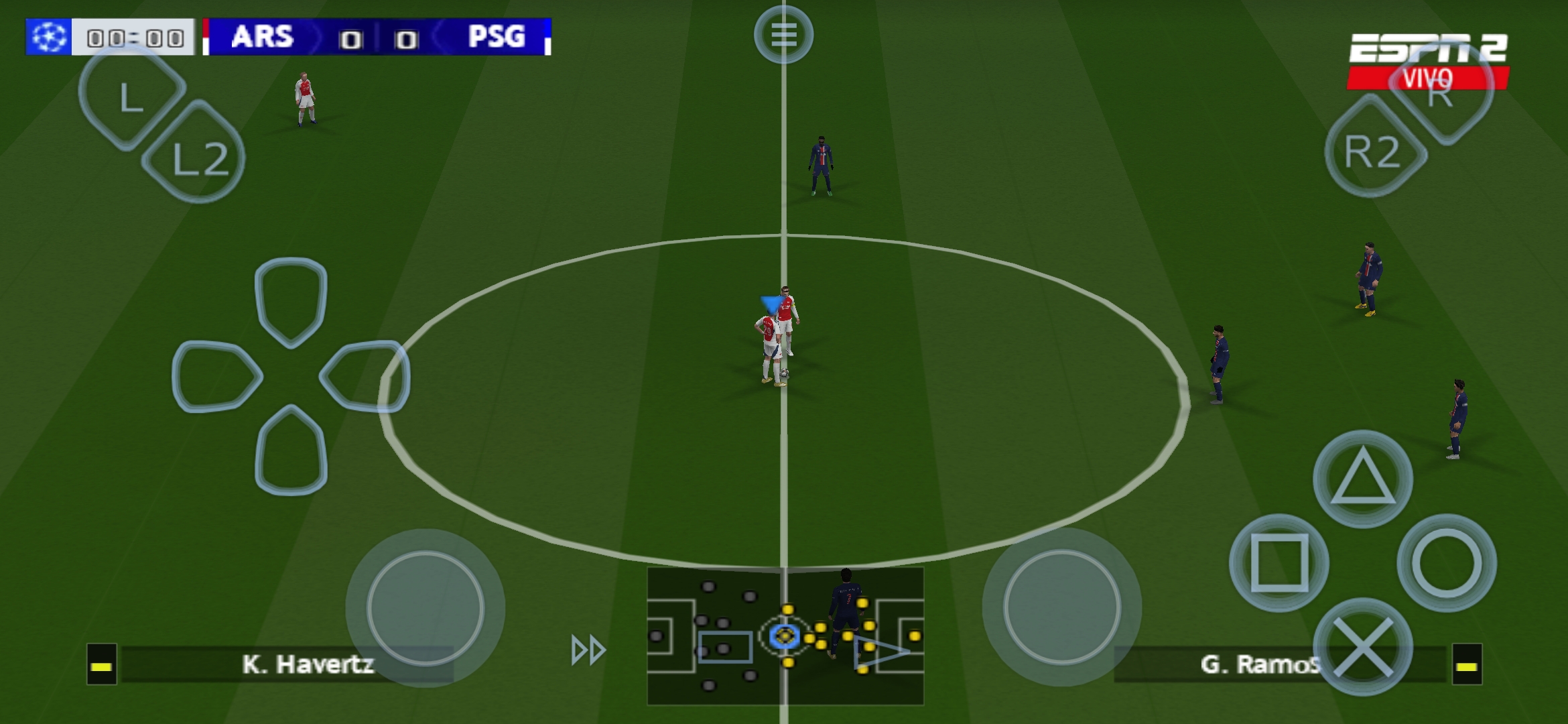
If you're playing PSP games on PPSSPP and tired of seeing Xbox A/B/X/Y prompts when you're using a DualSense, you can swap them for PS5 □ △ ○ × icons. PPSSPP doesn't have a built-in "force PS5 icons" toggle, but it supports texture replacement packs.
lks saske

1. How PPSSPP Handles Button Icons

PPSSPP renders the on-screen button prompts from textures inside the game. To change them, you use a texture replacement pack. Each pack needs a folder named exactly after the game's serial number, like ULUS10308, and a textures.ini file inside.
2. Installing the BUTTONS

  1. Download the zip pack.
  2. In Zarchiver go to your downloads, locate the zip, extract it and paste it in your PSP root folder, the buttons will be replaced automatically.

3. Enabling Texture Replacement

  1. Open PPSSPP > Settings > Tools > Developer Tools.
  2. Enable Replace Textures.
  3. Launch the game. The PS5 icons should now show up in menus and prompts.
lks saske

4. Tips

lks saske lks saske
1. PPSSPP APP 2. PS5 FILES 3. WATCH TUTORIAL


home logo

FOLLOW US ON;
youtube logo facebook logo instagram logo WhatsApp logo Telegram logo Discord credits : lks saske 2026